Installing Xournal++ is really easy
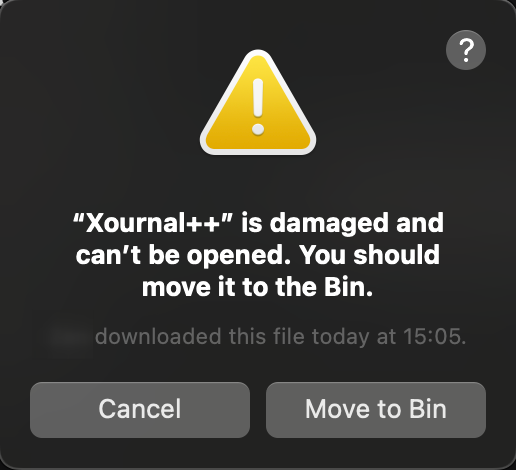
You may see an error like this. Do the following to run Xournal++. Click here to learn why.
- Download the dmg file.
- Copy the Xournal++ program contained in the dmg file to the Applications folder by opening the dmg file and dragging the Xournal++ icon.
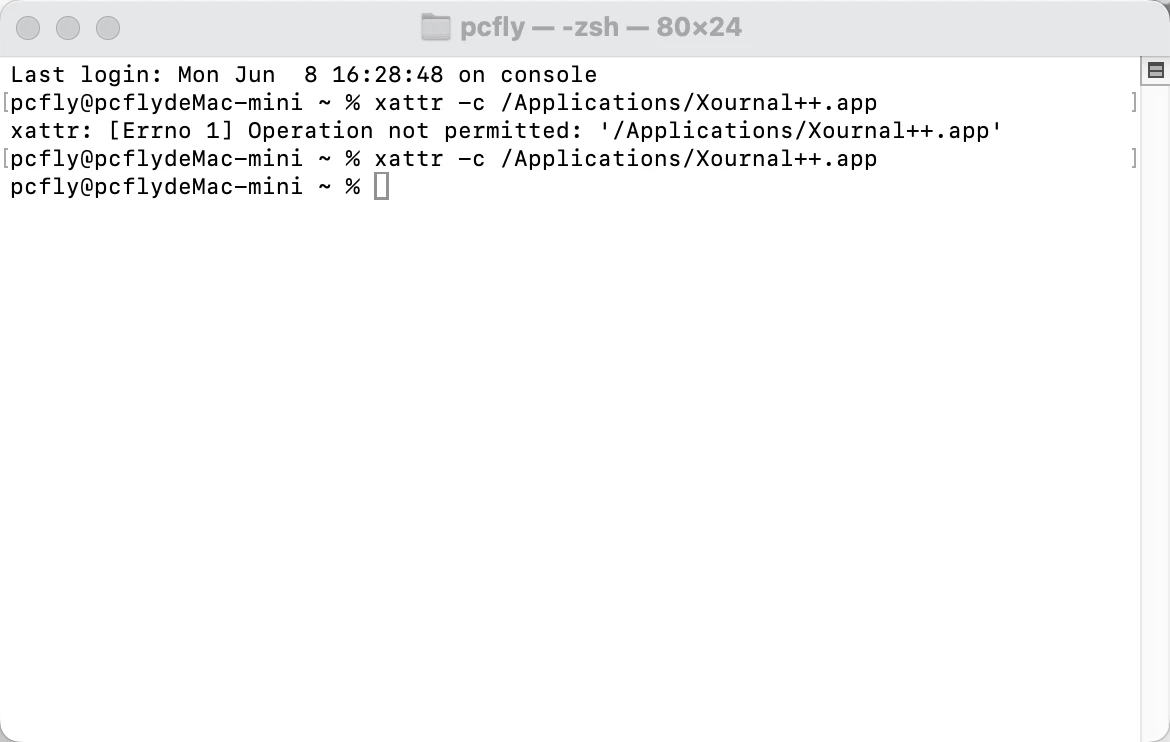
- Open the Terminal and run
xattr -c /Applications/Xournal++.appto remove quarantine. - On MacOS Intel also run
codesign --force --deep --sign - /Applications/Xournal++.appin the Terminal to self-sign the app. Note the hyphen after--sign. - Run Xournal++ like any other program.
- Success!